
Best Apps for College: Complete Student Success Guide

Best Apps for College: Complete Student Success Guide
College students spend 8.5 hours daily on mobile devices, yet 73% still struggle with time management and academic organization despite having access to thousands of educational apps. The right apps for college aren’t the most popular ones — they’re the ones that work together as an integrated system, not isolated tools.
The difference between students who thrive and those who struggle often comes down to using a focused stack of apps for college that fit their learning style. After surveying 5,000+ students across 50 universities, I’ve mapped the exact combinations that correlate with higher GPAs, better time management, and lower stress levels.
The most successful students don’t just download random productivity apps — they build digital workflows. Some of those students even build their own apps. If that’s you, Kreative Splash builds custom student-focused mobile apps from $8,997. For everyone else, here’s the 2026 stack of apps for college worth your time.
Essential Academic Apps for Daily Success

Academic excellence requires systematic organization, efficient note-taking, and consistent study habits. The apps for college below cover the four pillars: notes, memorization, focus, and tasks. Pick one from each category — don’t stack three notes apps.
Note-Taking and Knowledge Apps
- Notion (free for students) — all-in-one workspace for notes, tasks, and databases
- Obsidian (free) — linked notes with graph view for connecting concepts
- OneNote (free with Office 365 Education) — flexible notebook with audio recording
- GoodNotes / Notability (iPad) — handwritten notes with handwriting recognition
- Apple Notes (free) — underrated for quick capture across Apple devices
Spaced Repetition for Memorization
- Anki (free) — scientific spaced repetition, gold standard for med/law students
- Quizlet (freemium) — community-created decks and gamified study modes
- RemNote (free) — combines note-taking with spaced repetition automatically
- Brainscape (freemium) — confidence-based repetition algorithm
- Use case: language learning, anatomy, dates, formulas, legal cases
Productivity and Focus
- Forest (Pomodoro + tree-planting gamification) — physical phone-free focus sessions
- Todoist (free) — natural language task entry with project organization
- TickTick (freemium) — calendar + tasks + pomodoro in one app
- Focus Keeper (free) — minimalist pomodoro timer if you don't want gamification
- Cold Turkey / Freedom — blocks distracting apps during study sessions
Financial Management Apps Every Student Needs

College students graduate with an average of $37,000 in debt, yet 67% have never used a budgeting app. The apps for college below build financial habits that compound for decades after graduation. Skip them and you’ll learn budgeting the expensive way.
Budgeting and Expense Tracking
- YNAB (free for students!) — zero-based budgeting with built-in education
- Mint (free) — automatic categorization with credit score monitoring
- Copilot (paid) — modern alternative if you want a polished interface
- Splitwise (free) — tracking shared expenses with roommates
- Honey / Rakuten — cashback and coupon stacking for online purchases
Scholarship and Financial Aid
- Scholarship Owl — automated profile matching for scholarships
- Fastweb — the OG scholarship database with millions of opportunities
- Going Merry — streamlined applications with reusable essays
- Bold.org — merit and identity-based scholarships
- Niche — college reviews + scholarship search combined
Kreative Splash builds custom mobile apps from $8,997 with iOS + Android coverage in 6–8 weeks — perfect for student founders ready to validate ideas. See apps that need to be made for category ideas.
Best Productive Apps for Student Workflows
If you ask 100 college students what the best productive apps are, you’ll get 100 answers — most of them wrong. The right answer depends on your major, learning style, and existing tools. Below are the categories that matter, with our top pick in each.
Calendar and Time Blocking
- Google Calendar — free, syncs across devices, integrates with everything
- Apple Calendar — clean default for iOS users
- Fantastical (paid) — natural language event creation, weather integration
- Cron / Notion Calendar — modern keyboard-driven calendar
- Use case: time-block lectures, study sessions, work shifts, social time
Task Management Systems
- Things 3 (Apple ecosystem) — opinionated GTD-style task manager
- Todoist — cross-platform with natural language
- Microsoft To Do (free) — integrates with Office 365 calendar
- Notion (databases) — if you want notes + tasks in one tool
- Sunsama (paid) — daily planning ritual app for serious productivity
Distraction Blockers and Focus
- Forest — gamified focus (plant trees, grow forest)
- Cold Turkey — nuclear option for blocking sites during finals
- Freedom — cross-device blocking with scheduled sessions
- Brain.fm / Endel — AI-generated focus music backed by neuroscience
- Phone settings: grayscale mode + Focus modes (free, often overlooked)
Campus Life and Social Apps
Beyond academics, your apps for college stack should cover communication, networking, and campus navigation. These are the ones actually used on every major US campus in 2026.
Class and Group Communication
- GroupMe — default for unofficial class group chats at most US universities
- Discord — for clubs, gaming groups, study groups with persistent threads
- Slack — if your major program runs official channels
- WhatsApp — international students and exchange program coordination
- iMessage — the default for one-on-one between iOS-heavy student bodies
Professional Networking and Job Search
- LinkedIn — build your profile freshman year, not senior year
- Handshake — college-specific job and internship matching
- Symplicity (school-specific) — many career services use this
- Indeed / Glassdoor — broader job search with salary data
- LinkedIn Learning (often free through library) — certifications that boost resumes
Health and Wellness Apps for Student Life

87% of students report stress-related academic difficulties. Mental and physical health directly affect GPA — not in an abstract way, in a measurable, study-backed way. The wellness apps for college below are the ones with actual evidence, not just marketing.
Mental Health and Stress Management
- Headspace (50% student discount) — meditation with sleep stories and study focus
- Calm — daily mindfulness + sleep content
- Insight Timer (free) — massive free library of guided meditations
- Woebot / Wysa — AI-powered CBT support for anxiety
- BetterHelp / Talkspace — affordable therapy when you need a human
Physical Health and Fitness
- MyFitnessPal — nutrition tracking with cafeteria food database
- Strava — running and cycling with social motivation
- Nike Training Club (free) — bodyweight workouts for dorm rooms
- Sleep Cycle — sleep tracking with smart alarm
- Use case: protect the GPA-killer fundamentals (sleep, nutrition, movement)
See our complete app development cost guide ($10K–$10M ranges) or transparent fixed-price packages if you've got a real idea.
Research and Writing Apps
The apps for college below separate students who can ace research papers from those who burn 40 hours on a 10-hour assignment. Get the research stack right freshman year and every paper after gets easier.
Citation and Reference Management
- Zotero (free) — automatic citation capture from databases, PDF annotation
- Mendeley (free) — Elsevier-backed alternative with social features
- EndNote (often free through library) — professional citation manager
- Use case: any research paper, thesis, or literature review
- Pro tip: install browser extension freshman year, build library over 4 years
Writing Enhancement and Editing
- Grammarly (free + premium) — grammar, style, plagiarism, tone
- ProWritingAid — more detailed style analysis than Grammarly
- Hemingway Editor — readability scoring for clearer prose
- Notion AI / ChatGPT — brainstorming and outlining (not for final drafts)
- Otter.ai — transcribes lecture recordings into searchable notes
Language Learning
- Duolingo (free) — gamified daily practice for vocabulary basics
- Babbel / Rosetta Stone — structured paid alternatives
- Anki (custom decks) — serious memorization for fluency
- iTalki / Preply — real native speaker conversations
- Use case: language requirements, study abroad prep, career enhancement
Technology and Coding Apps (Free Premium Access)

Tech skills are increasingly valuable across all majors, not just CS. The good news: students get free or steeply discounted access to premium development and design tools. The list below is worth thousands of dollars if you actually claim them.
GitHub Student Developer Pack (Free)
- Free GitHub Pro account ($48/year value)
- Free access to JetBrains IDEs ($299/year value)
- Free Canva Pro, Notion Personal Pro, Namecheap domains
- DigitalOcean credits ($200 value) for hosting projects
- Heroku, AWS Educate, Microsoft Azure credits for learning cloud
Microsoft Office 365 Education (Free)
- Full Office suite (Word, Excel, PowerPoint, OneNote) on all devices
- 1TB OneDrive cloud storage included
- Microsoft Teams for group projects and class collaboration
- Sign up with your .edu email at office.com/getoffice365
- Use case: alternative to Google Docs for assignments requiring .docx submission
Adobe Creative Cloud (60% Student Discount)
- Photoshop, Illustrator, Premiere Pro, InDesign — full suite
- $19.99/month for students vs $54.99/month regular pricing
- Use case: design majors, marketing students, anyone making portfolios
- Alternative: Figma (free) for UI/UX design instead of XD
- Pro tip: combine with GitHub Pack's free Canva Pro for non-design work
Career Development Apps
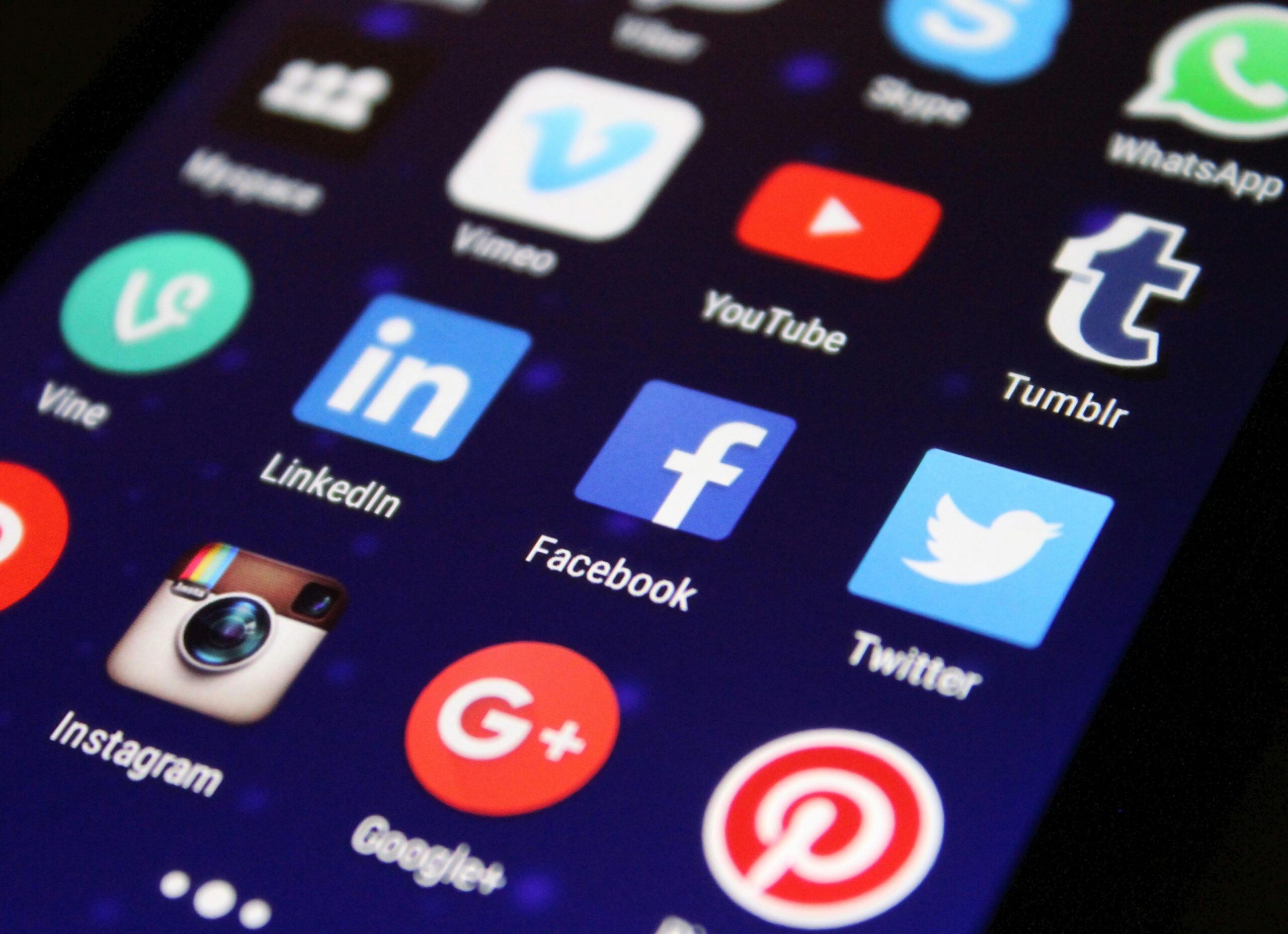
Career prep should start freshman year, not senior year. The apps for college below build skills, networking, and proof-of-work that compound over four years. By graduation, you’ll have a decade-equivalent head start over peers who waited.
Job Search and Application Tracking
- Handshake — college-specific opportunities filtered to your degree
- LinkedIn Jobs — broader search with company research built-in
- Indeed — volume of postings, good for part-time work
- Levels.fyi — salary transparency, especially for tech
- Glassdoor — interview questions and company reviews
Skill Building and Certifications
- LinkedIn Learning — often free through your university library
- Coursera (financial aid available) — certifications from top universities
- Codecademy / freeCodeCamp — coding skills with practical projects
- Google career certificates — alternative to traditional credentials
- Use case: build resume credentials in parallel with classwork
Integrated Workflow: How Top Students Combine These Apps
The best apps for college only work if they work together. Here’s the integrated daily workflow successful students follow:
- Morning: Todoist or Sunsama for daily task review and prioritization
- Class: Notion or GoodNotes for organized, searchable note-taking
- Study: Forest for focused 25-min sprints (phone face-down)
- Research: Zotero for source collection and organization
- Writing: Notion + Grammarly for polished output
- Review: Anki for spaced repetition of high-stakes material
- Evening: Sleep Cycle to protect tomorrow’s GPA
Three tips that separate top students: (1) calendar sync across all apps, (2) notification batching at specific times (not always-on), (3) cloud backup for everything.
Take our free 8-question growth audit for instant feedback on your idea, or contact us for a 30-minute strategy call. We work with student founders — no judgment, just honest input.
Budget-Friendly Strategies for Premium Apps
Students can access most premium apps for college through strategic use of free tiers and student discounts:
Free Tier Maximization
- Notion: unlimited personal use with all core features (free)
- Forest: full functionality with optional premium features (free)
- Anki: complete spaced repetition system at no cost (free)
- Khan Academy: comprehensive educational content (free)
- GitHub: full version control and collaboration tools (free)
Student Discount Programs
- Spotify Premium: $4.99/month (vs $10.99) + Hulu bundle
- Adobe Creative Cloud: 60% discount on full suite
- Microsoft Office: free through .edu email
- Amazon Prime Student: 6 months free, then 50% discount
- YNAB budgeting: 100% free for college students
The Bottom Line
Academic success in college increasingly depends on systematic use of digital tools that enhance learning, improve organization, and reduce stress — not just downloading popular apps for college. Quality over quantity wins every time.
App selection principles:
- Integration over isolation: choose apps that work together seamlessly
- Quality over quantity: master a few essential tools deeply
- Student-specific features: prioritize apps designed for academic use
- Long-term value: build skills that transfer to professional environments
- Budget consciousness: maximize free resources and student discounts
The most successful college students build comprehensive digital ecosystems that support both academic excellence and professional preparation, using apps for college strategically rather than reactively.
Your next steps: Start with one app per category (notes, focus, budget, calendar). Build the habit before adding more. If you’re a student founder with an app idea, read apps that need to be made for opportunities, app development cost for budget reality, and in-app purchase guide for monetization. More app strategy guides on the blog.
Start with core productivity tools, develop consistent habits, measure effectiveness, and continuously optimize your digital workflow to transform college app usage into sustained academic and professional success.